Clock in with one tap
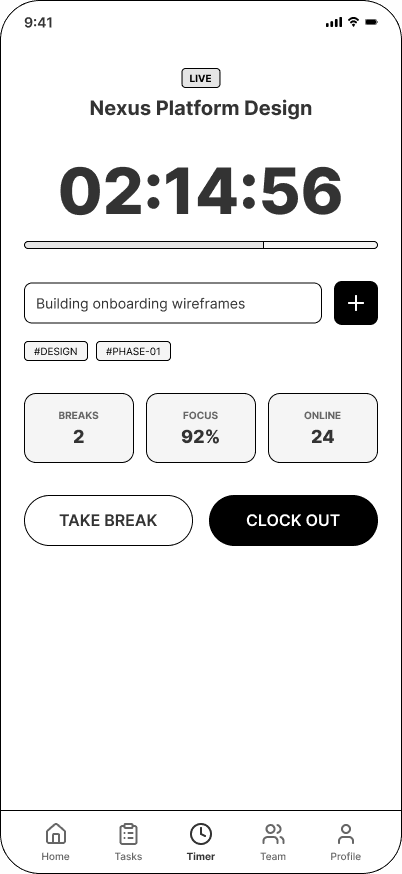
Location and project are filled in before you start, so logging time is one tap instead of a form.


See who’s online, anywhere
Team presence shows each office’s local time and how many people are working right now.
Find the overlap
The time zone hub shows the next shared working window, so meetings land when people are awake.


One app for the whole workday
Clocking in, tasks, team status and payroll hours usually live in separate tools. Nexus keeps them behind five tabs: Home, Clock, Tasks, Team and You.

Clock in

Tasks

Time zones
Team

Reports

Payroll
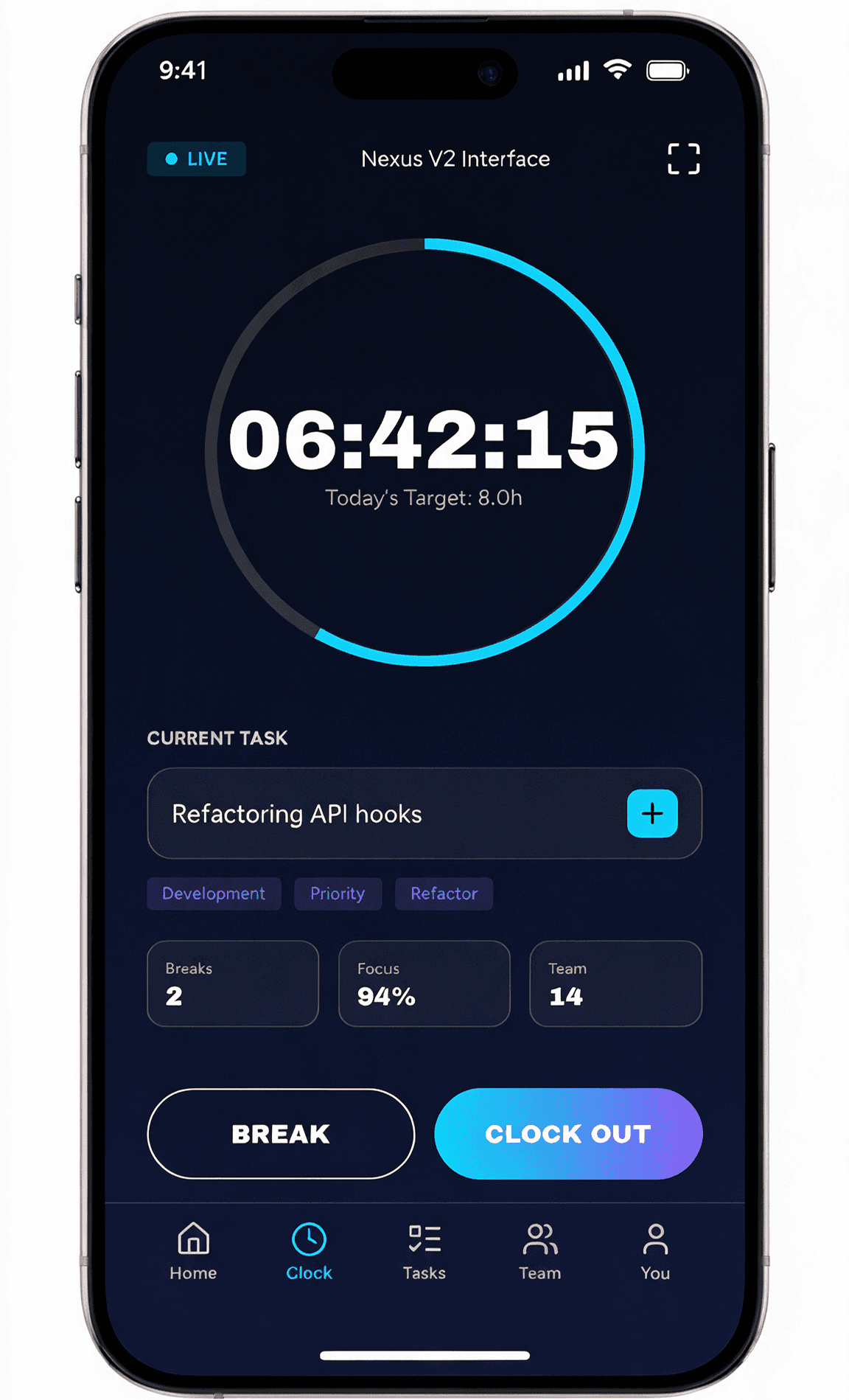
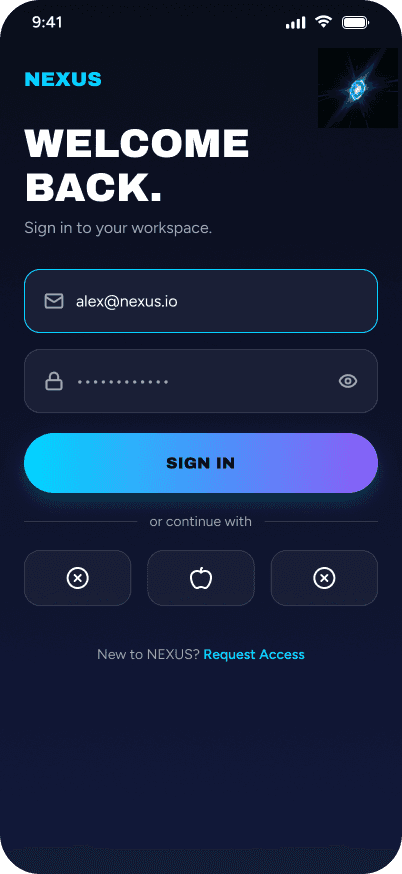
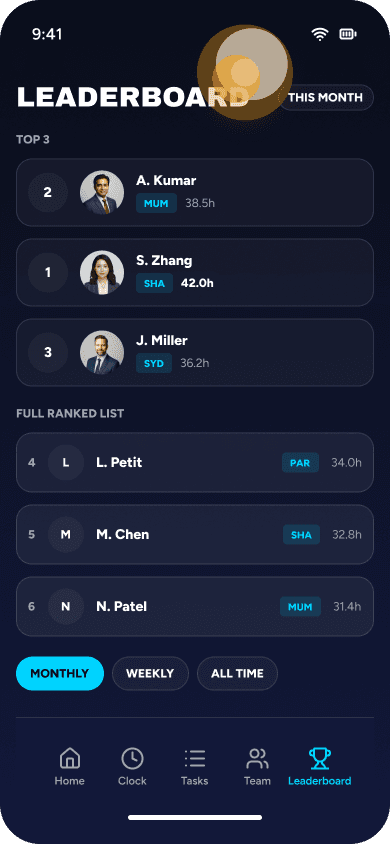
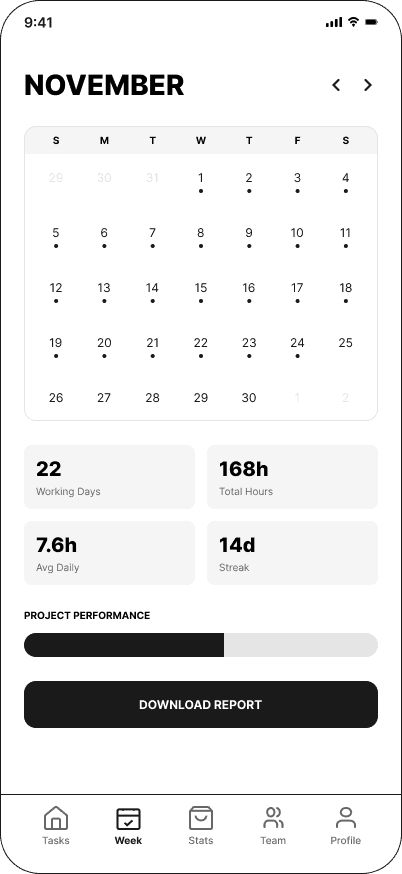
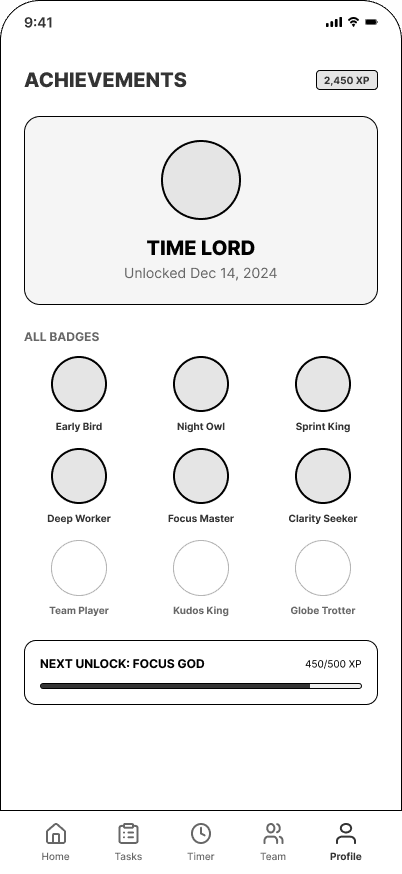
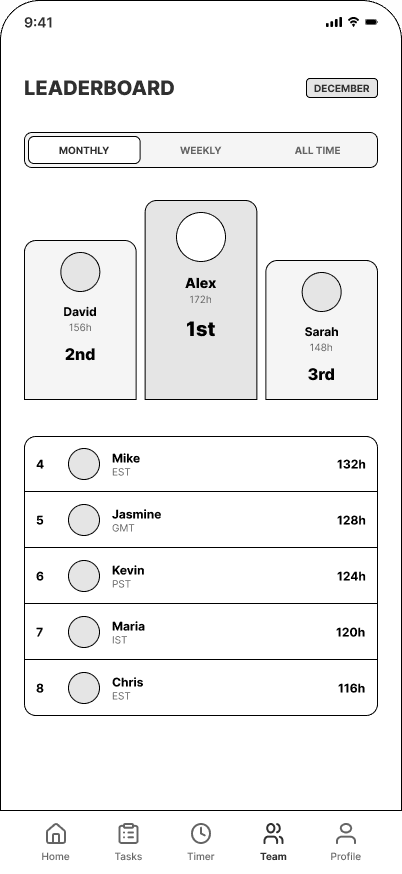
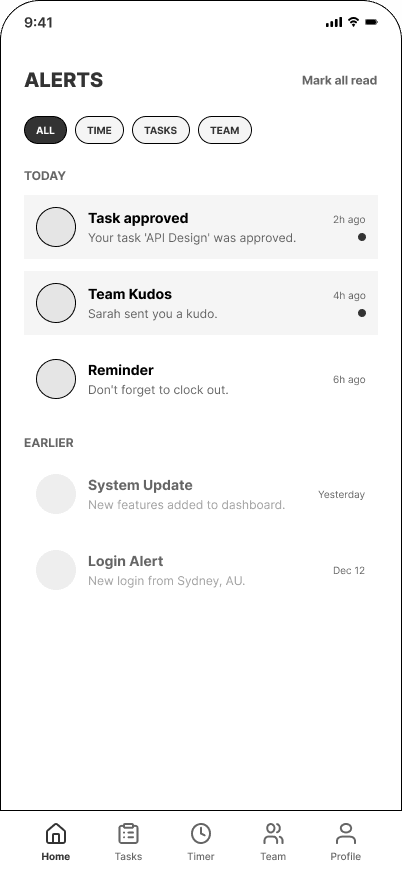
25 screens, from first login to payroll
Top row: the final screens. Bottom row: the wireframes they started from.
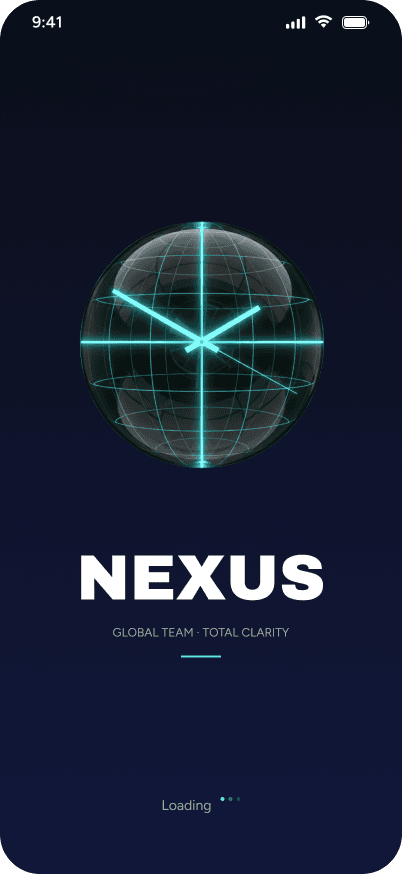

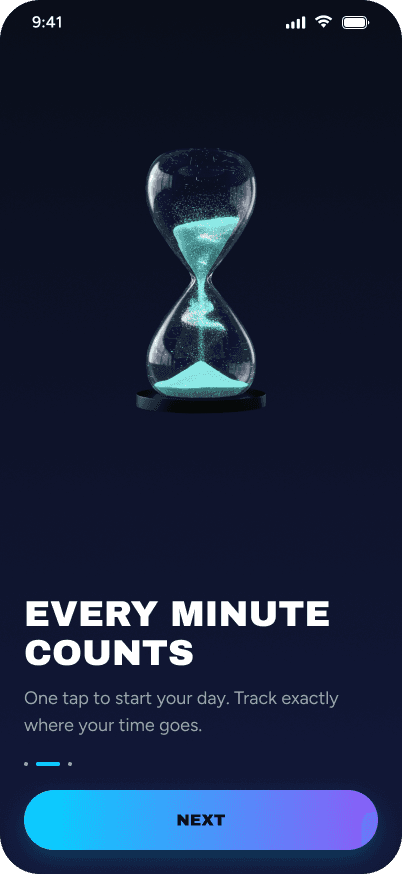













Designed across a 14-hour gap
I work from São Paulo with clients in Sydney. Most of the friction in remote work isn’t the work. It’s knowing who’s available, and when. Nexus is built around that.

Answered by team presence
“Is Sydney still online?”

Answered by the shared working window
“When can we all meet?”
Building tools for distributed teams?
I design for how people actually work. I’m looking for a UX/Product Designer role in São Paulo or remote. Let’s talk.